Define Workflows in a Way That Can Actually Run Reliably
RoboHen's workflow builder is not about connecting tools. It is about defining clear logic, ownership, and exception handling so workflows behave predictably in production.
This is the foundation behind every Reliability Audit and implementation.
Most Workflow Tools
Force You to Think Like Software
They require users to:
- represent workflows as disconnected steps
- hide logic inside configuration
- make approvals and exceptions unclear
- create gaps between documentation and execution
Logic First.
Tools Second.
RoboHen defines workflows around intent and behavior, not integrations
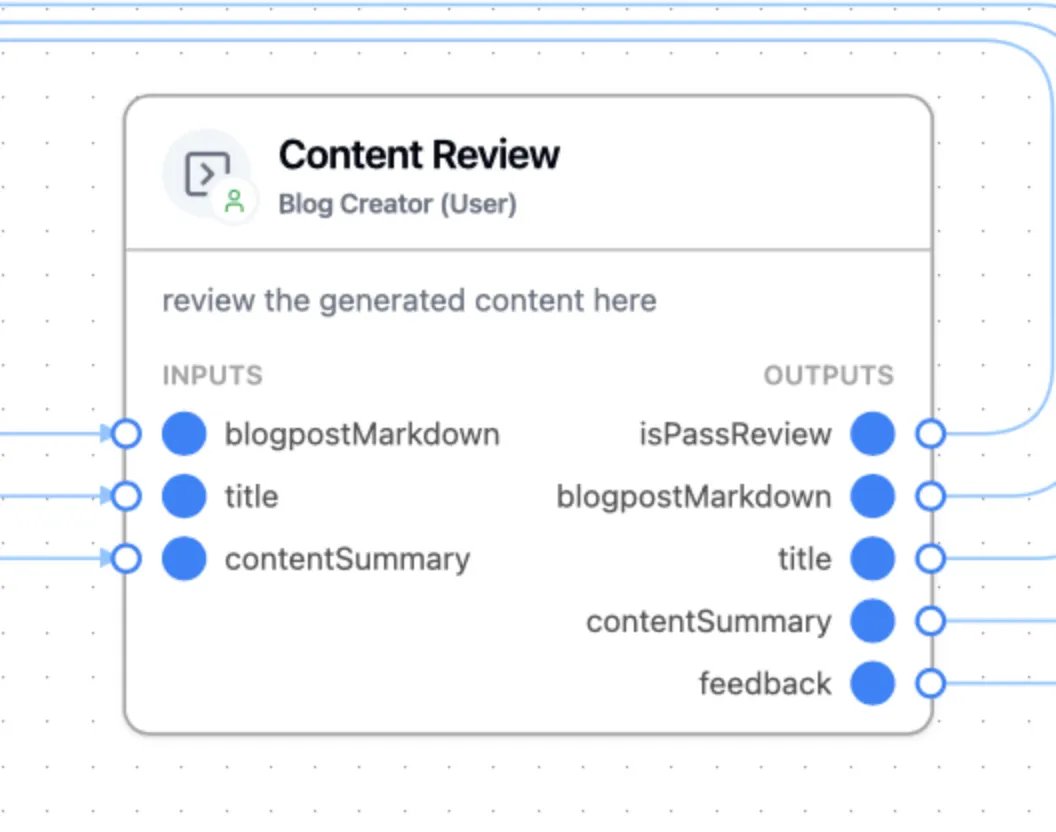
Steps
Steps describe what should happen.
They are written in free-form text and capture:
- intent
- sequence
- conditions
- business rules
Steps remain human-readable and unambiguous.
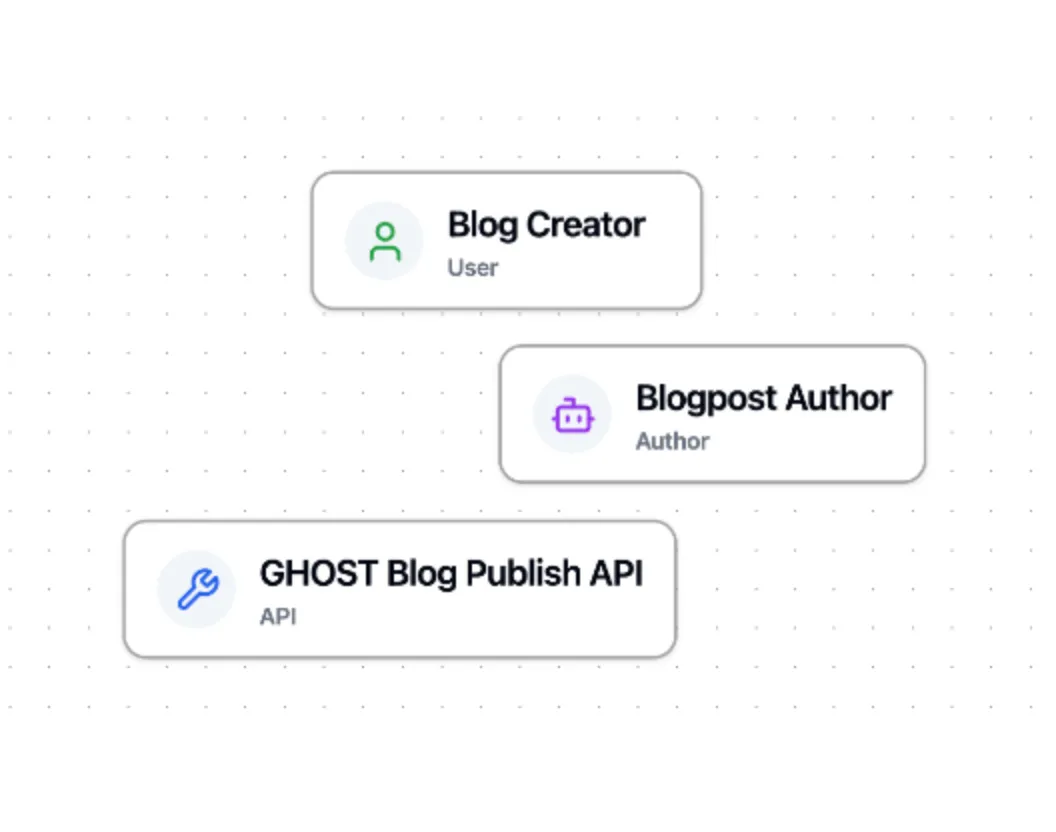
Actors
Actors describe who or what performs a Step.
An Actor can represent:
- a person
- an AI agent
- a software system or tool
Actors are defined in free-form text and compiled into executable behavior.
Together, Steps and Actors define:
- execution logic
- ownership
- decision boundaries
The Workflow Definition
Is the Contract
In RoboHen, the workflow is not a diagram for reference. It is
- how the system executes
- how teams align
- how decisions are governed
This means:
- business and engineering align on one definition
- approvals and responsibilities are explicit
- execution follows the defined logic
If it’s not defined here, it doesn’t exist in the system.
From Clear Logic
to Reliable Execution
Once workflows are clearly defined:
- execution becomes predictable
- systems behave consistently
- exceptions are handled intentionally
This is how RoboHen avoids:
- fragile automations
- hidden logic
- unpredictable behavior
Clarity Scales.
Complexity Is Managed.
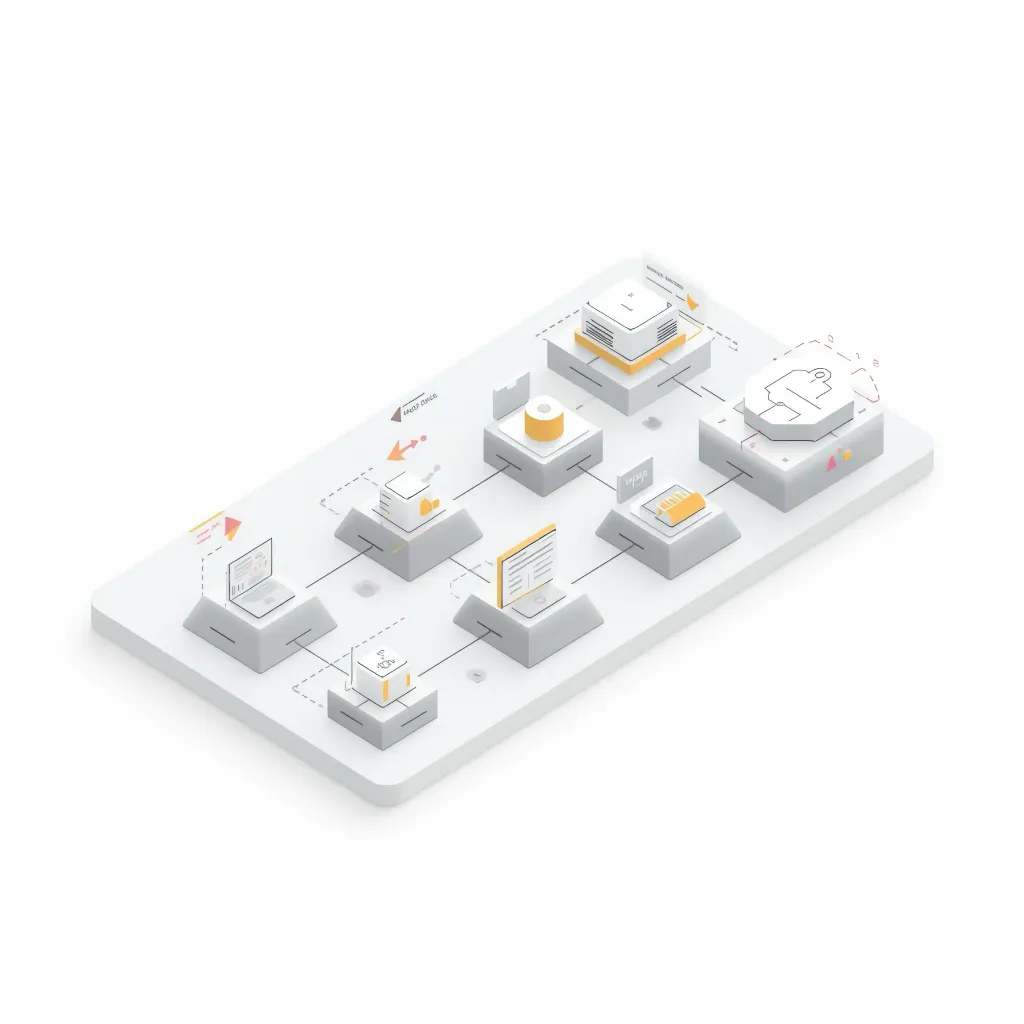
As workflows grow:
- logic remains understandable
- changes are easier to implement
- teams stay aligned
RoboHen becomes more valuable as complexity increases.
Why This Is Not Just
Another Workflow Builder
RoboHen
- defines full workflow logic
- includes approvals and exceptions
- aligns business and engineering
- built for long-term reliability
No-Code Builders
- focus on connecting tools
- logic is implicit
- limited handling of edge cases
BPM / RPA Tools
- complex and hard to maintain
- logic buried in scripts
- difficult to scale
Most builders help you automate steps.
RoboHen helps you define how work actually runs.
Built for Teams
That Actually Run Operations
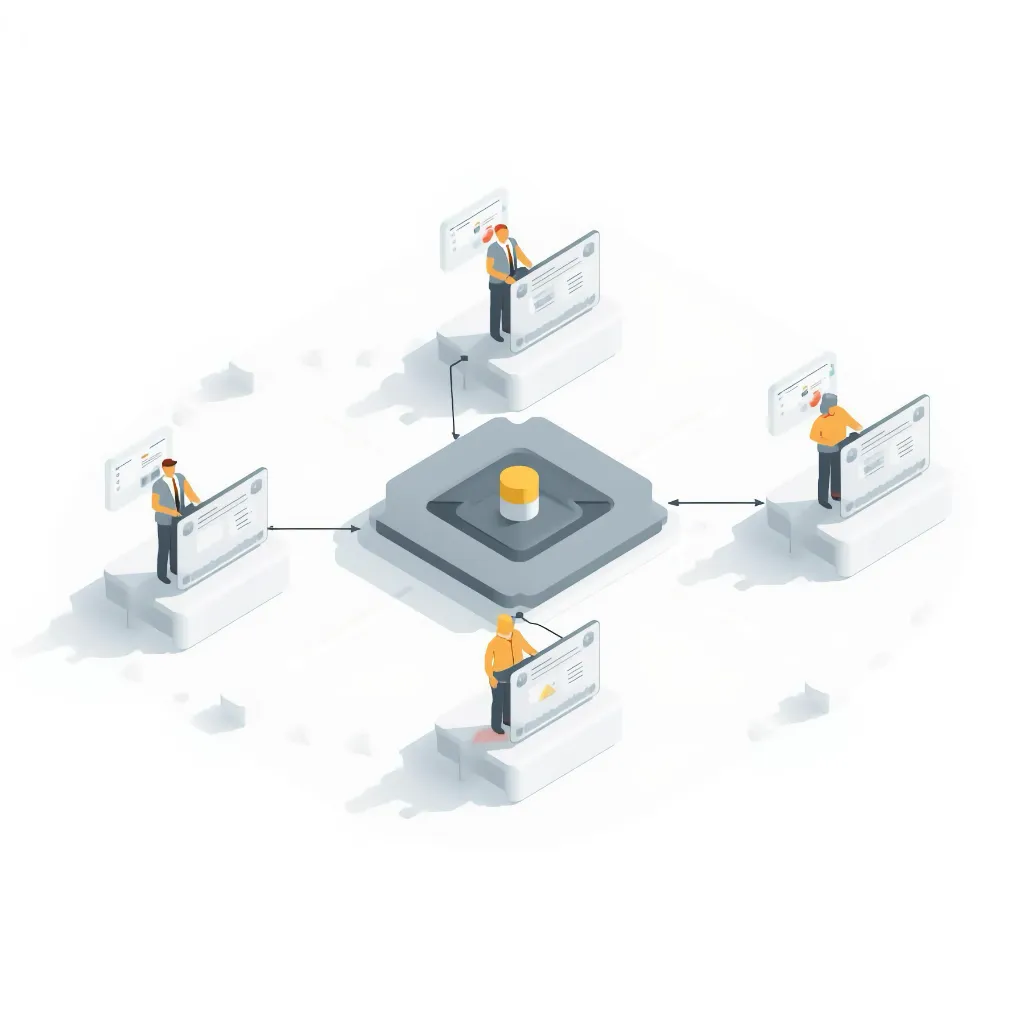
RoboHen ensures:
- operators understand workflows
- engineers implement them accurately
- leaders trust how work is executed
RoboHen becomes more valuable as complexity increases.
Part of the Reliability System
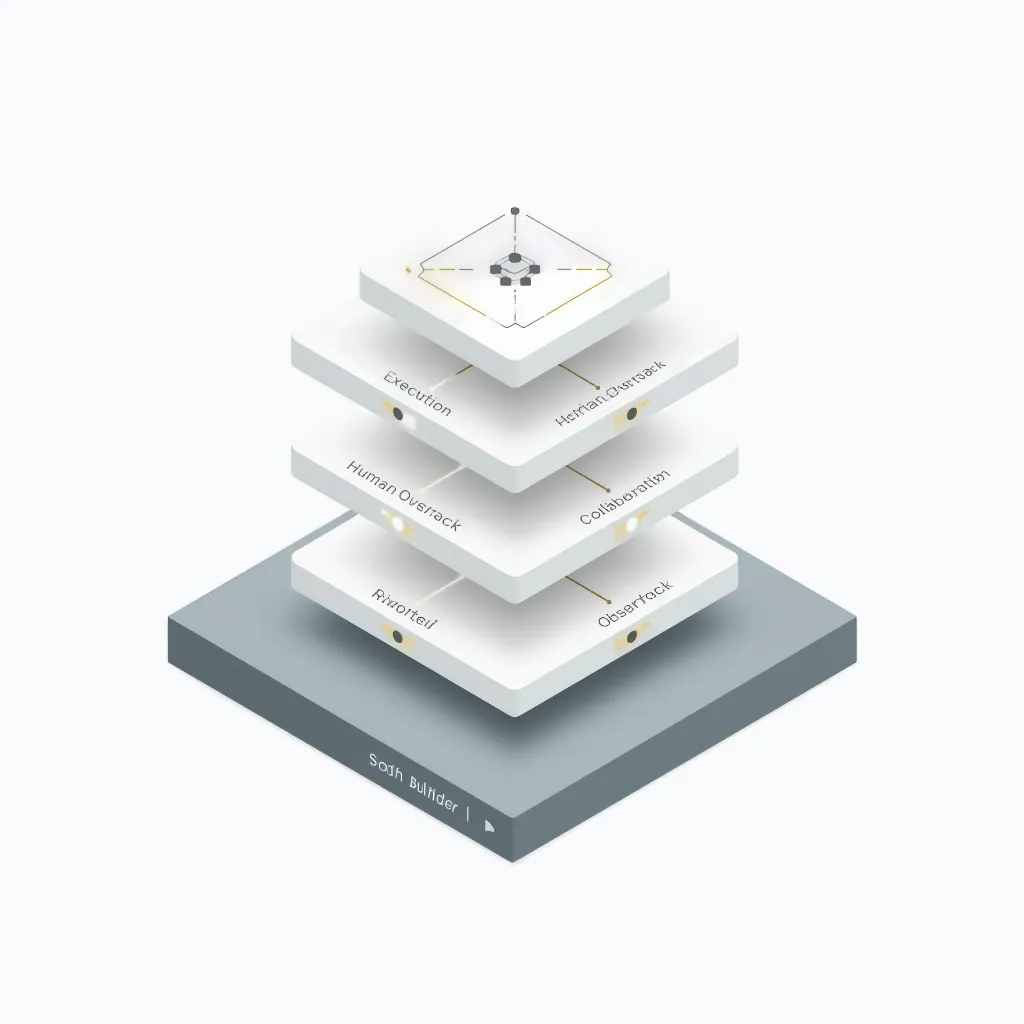
The workflow builder works together with:
- execution engine
- human-in-the-loop controls
- monitoring and observability
In Practice
How This Is
Used in Practice
The workflow builder is used to